
Money
Swap in your wallet.
Convert supported Solana assets in your wallet. A wallet swap is separate from topping up your Gaming Balance.
Choose the right action.
- Wallet swap
- Convert one supported token into another in your wallet. The result stays in your wallet.
- Top up
- Add USDC to Gaming Balance directly or convert a supported Solana token as you top up.
Supported Solana assets.
This list reflects the picker as checked on 8 November 2026. Use the current picker to see which assets and routes are available.
 USDC
 USDT
 SOL
 TOP
 PUMP
 JUP
 TRUMP
 RAY
 HYPE
 TSLAx
 TTWO
TSLAx and TTWO are tokenized-stock assets. Review the issuer’s product details, restrictions and terms before using them. Do not assume they give the same rights as shares bought through a stockbroker.
Review each quote.
Choose both assets
Open Swap in the cashier. Choose your input in You pay and your output in You receive. Check the exact token and Solana network.
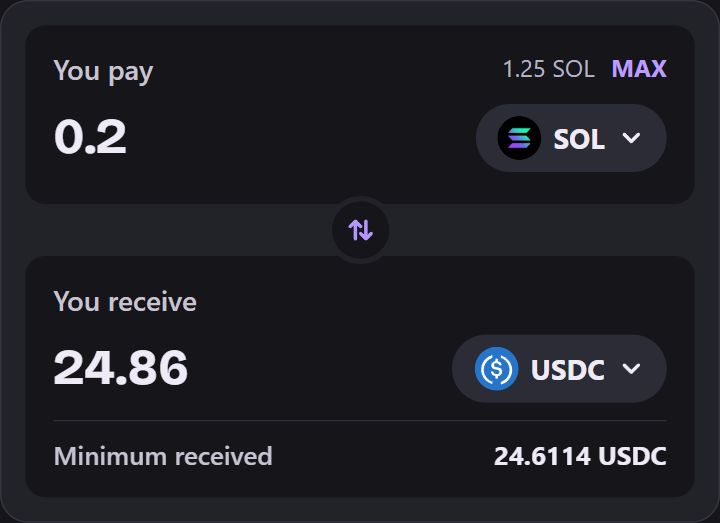
Example. SOL to USDC. The amount and minimum shown are sample values. Review the result
Check Minimum received, Pricing, Slippage and Price impact. If the quote expires, review the updated quote before selecting Swap.
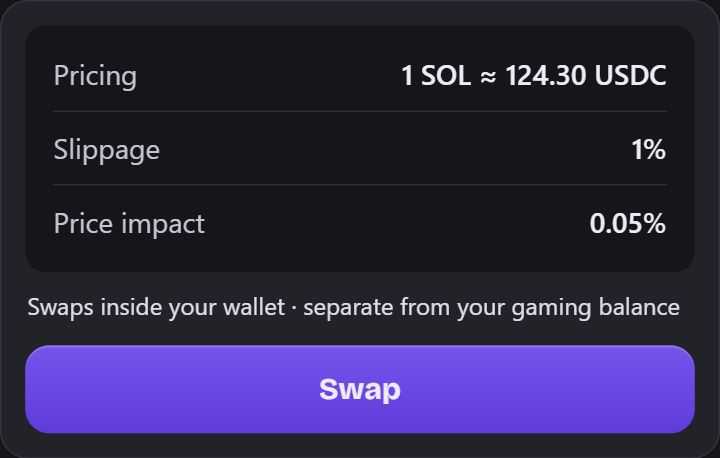
Example. Compare the quote details with what your cashier shows. Confirm in your wallet
Read the wallet request, check any fees shown and keep enough SOL for network fees.
Check the received asset
Wait for confirmation, then check the received asset in your wallet. Swapping alone does not fund play.
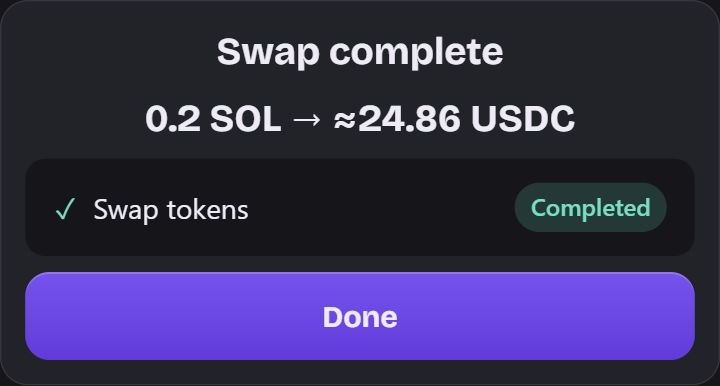
Example. After confirmation, the received asset is in your wallet.