
Money
Top up for play.
Add USDC to your Gaming Balance. You can use USDC on Solana directly or convert a supported token.
Open TopBitMake a top-up.
Open Top up
Sign in and check the account wallet shown. Fund that wallet before you start, and keep SOL for any Solana fees shown.
Choose the token and amount
In You pay, choose a supported Solana token and enter the amount. For direct USDC, check Gaming balance, select Deposit and review the wallet request. The cashier shows the applicable minimum. Deposits require 1× wagering.
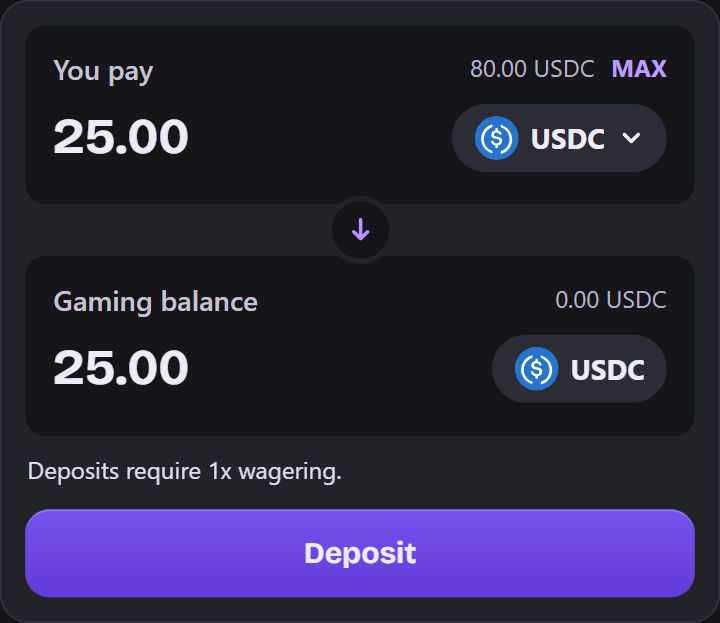
Example. The direct USDC path shows Deposit. Your amount and wallet balance will differ. Review a conversion quote
If you chose a token other than USDC, check Pricing, Min. received and the fees shown. Select Swap to Deposit when the quote works for you, then review the wallet request. Quotes can change or expire.
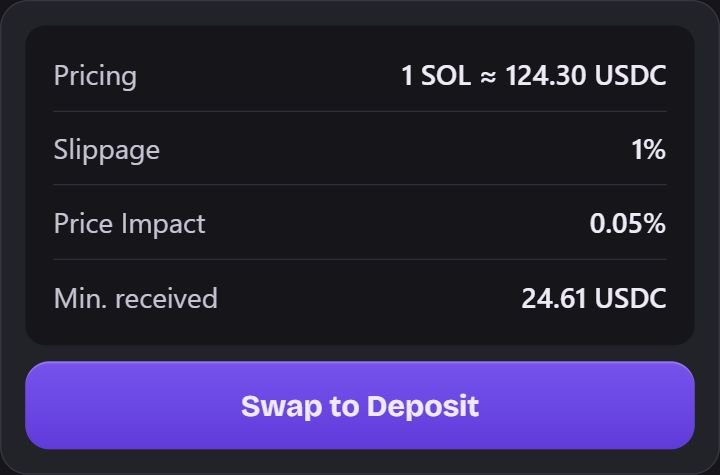
Example. Sample SOL quote. Use the Pricing and Min. received shown for your quote. Follow the progress
The cashier can show Top up in progress while it confirms the transfer. For a conversion, Adding to Gaming Balance means USDC reached escrow and the final credit is still in progress.
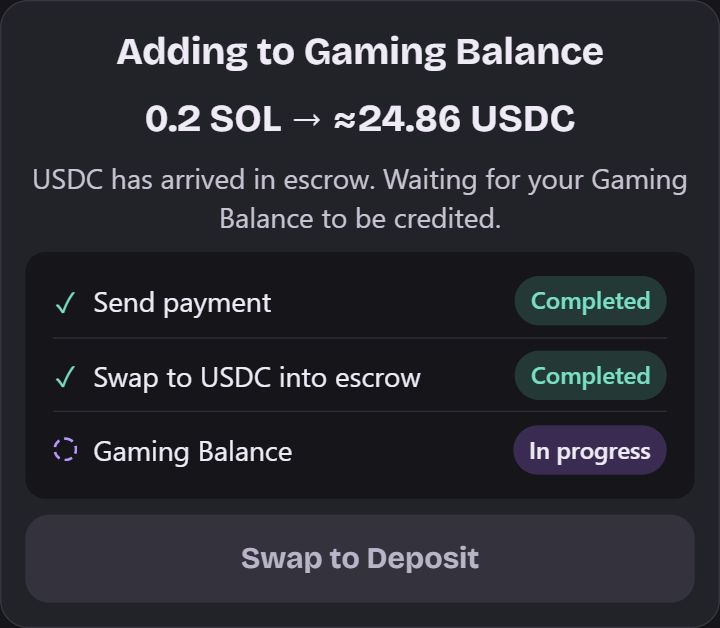
Example. The conversion has reached escrow and is waiting for Gaming Balance credit. Check Gaming Balance
Wait for Top up successful and check that your Gaming Balance has updated.
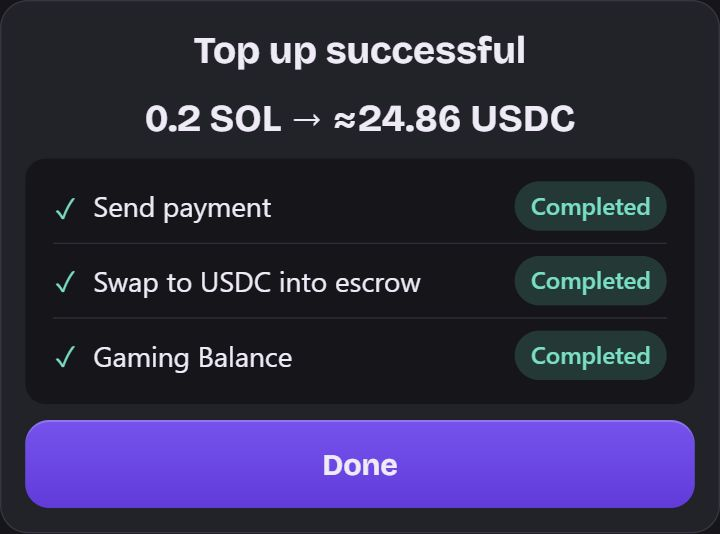
Example. The Gaming Balance step is complete.
The network matters.
The supported tokens in this flow are on Solana. A familiar token name does not mean you can send it from another network. For example, USDT on Solana is different from USDT on TRON.
If the top-up is pending.
Check the transaction and the balance before trying again. If a conversion or confirmation fails, follow the recovery action shown. Do not assume a pending transaction failed just because you closed the panel.